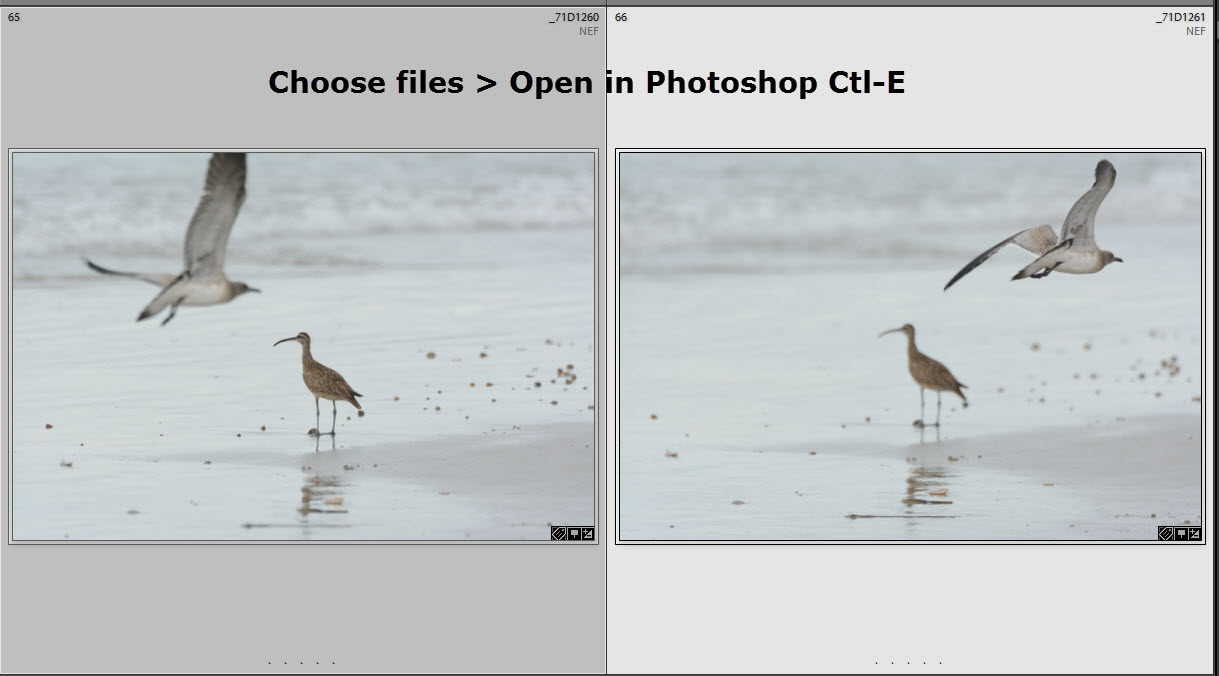
I am a believer in post-processing. In fact, over the last few years both light room and Photoshop with each induration have gotten better and post-processing. What also helps is the number of different plug-ins that are available, including those from Topaz, NIK, OnOne and others. Along with a good number of free information that is available on the web.
I am going to show you two sets of pictures that was taken just after sunset, utilizing a Nikon D7100, Nikkor 500 mm f/4 plus a 1.7 X converter on a tripod. The settings were 1/100 second,f/5.6 and ISO 3200. As you look at the pictures before the post-processing you will see that there is a large amount of noise and the pictures. After post-processing, utilizing both light room and Photoshop, Topaz Clarity and Detail . I then selected out the backgrounds into a separate layer and utilized DeNoise to decrease the noise. Then I used a technique from Denise Ippolito and Artie Morris using surface blur to finish up the picture.
In the next blog. I will take you step-wise in the process that I use.
Barn Owl (Tyto alba)
%2B%2B71D_5989.jpg) |
| Original |
%2B%2B71D_5989-Edit.jpg) |
| Post-Processed |
%2B%2B71D_6010.jpg) |
| Original |
%2B%2B71D_6010.jpg) |
| Post-Processed |
Using the coupon code mborn you will receive a 15% discount on any or all of the Topaz plug-ins.

Help Support my blog by purchasing from Amazon. Clicking on this link and utilizing the link does not cost you anything.
BUY FROM AMAZON